9 Best SEO Reporting Tools to Prove ROI [2026]
,
November 18, 2026
A typical monthly SEO report takes hours to put together. Someone exports rankings from one tool, copies clicks from Google Search Console, adds organic traffic from Google Analytics, and then still can’t tell the CEO how many demos came from search.
SEO reporting software does most of that work for you. It connects to the tools you already use, updates the numbers on its own, and sends the report to your team or clients each week or month.
Some tools now track AI visibility too, so you can see if your brand shows up in Google AI Overviews or ChatGPT answers.
In this article, you will learn about the nine best SEO reporting tools, what each one does well, what it costs, and where it falls short.
TL;DR
Here are the nine best SEO reporting tools in 2026:
- Google Search Console: Best free tool for Google search data
- Google Analytics 4: Best for organic traffic and conversion reports
- Nightwatch: Best for rank tracking and local SEO reporting
- Semrush: Best all-in-one SEO reporting platform
- Ahrefs: Best for backlink and organic search reporting
- AgencyAnalytics: Best for automated client SEO reports
- SE Ranking: Best for affordable SEO reporting
- Databox: Best for SEO KPI dashboards
- Moz Pro: Best for SEO rankings and site performance reports
If you’d rather not manage these tools yourself, ABHMedia runs done-for-you SEO for B2B SaaS companies and reports on rankings, organic traffic, and booked demos in a live dashboard.
What Is an SEO Reporting Tool?
An SEO reporting tool collects data about how your website performs in search and turns it into a report that people outside the SEO team can read.
You connect your accounts once, and the tool updates the numbers on its own, so nobody has to copy data from several platforms into a spreadsheet each month.
Newer tools also report on AI visibility, which shows whether your brand appears when buyers ask ChatGPT or Google AI Overviews about your product category.
Some reporting tools collect their own SEO data through crawlers and keyword databases, while others only display data that they pull from other platforms.
The second type usually costs less, but it can’t produce a report without a data source behind it, so the real price often includes a second subscription.
A complete SEO report usually covers these areas:
- Keyword rankings: Positions for the terms you target and how they changed since the last report.
- Organic traffic: Visits from search engines, split by page so you can see which content brings people in.
- Conversions: Demo requests and sign-ups from visitors who found you through search.
- Technical health: Site audit results that point to problems such as broken pages or slow load times.
- Backlinks: Links your site gained or lost during the period, which shows whether your link-building work pays off.
- AI visibility: How often AI tools mention or cite your brand in their answers.
In-house SEO teams use these tools to show leadership what search brings in, while agencies use them to report to each client without building every report by hand.
Most teams send a full report once a month and check the dashboard more often, since rankings can shift from one week to the next.
If you work with an SEO agency for SaaS, ask which tool it uses for reports before you sign, so you know what you’ll see each month.
The Best SEO Reporting Tools
These are the nine best SEO reporting tools:
1. Google Search Console: Best Free Tool for Google Search Data
Price: Free
Search Console reports how people find your site in Google Search with numbers from Google itself, so most SEO reports start here instead of with the estimates that paid platforms provide.
The Performance report shows the queries people type before they reach your site and how many clicks each page earned, and you can place two date ranges side by side for a quick month-over-month view.
A branded query filter separates searches for your company name from all other searches, so you can see whether SEO reaches new buyers or only people who already know your brand.
A separate generative AI report counts how often your pages appear in AI Overviews and AI Mode, though it shows impressions without clicks. Search Console data stops at the click in the same way, so it can show that SEO brings in new searchers but can’t prove that any of them became paying customers.
The tool keeps 16 months of data and covers Google alone, which is why many teams connect it to a dashboard tool for a longer history and a view of competitors.
Key Features
- Performance report: Shows how many clicks and impressions each query and page earned in the period you choose.
- Date comparison: Places two periods side by side, such as this month and last month.
- Branded query filter: Separates searches for your brand name from non-branded searches.
- Generative AI report: Counts how often your pages appear in AI Overviews and AI Mode.
- Weekly and monthly views: Groups data by week or month, so long-term trends are easier to read.
- Dashboard connector: Sends Search Console data into free custom dashboards.
- Bulk data export: Sends raw data to BigQuery for teams that want to keep it past the 16-month limit.
2. Google Analytics 4: Best for Organic Traffic and Conversion Reports
Price: Free (Google Analytics 360 has custom enterprise pricing)
Google Analytics 4 records what visitors do after they land on your site. Search data ends at the click, so GA4 is where an SEO report shows whether organic traffic turns into demo requests and trial sign-ups.
To report on conversions, you first mark your most valuable actions as key events, such as a submitted demo form.
The Traffic acquisition report then splits sessions by channel, and the Organic Search row shows how many key events came from search in the period you pick. The Landing page report adds the next layer and shows which pages first brought those visitors to your site.
GA4 also groups visits from AI chat tools into a separate AI Assistant channel, so you can report them next to organic search without any custom setup.
Admins can send standard reports as PDFs by email to as many as 50 addresses. Every recipient needs access to the GA4 property, though, and exploration reports can’t be scheduled.
That’s why many agencies move GA4 data into a separate reporting platform before it goes to clients.
GA4 proves how many demos and sign-ups came from organic search, but revenue from those demos still needs CRM data.
Key Features
- Key events: Marks valuable actions, such as a submitted demo form, so reports can count them by channel.
- Traffic acquisition report: Splits sessions and key events by channel, with organic search in its own row.
- Landing page report: Shows which pages started each session and how many key events followed.
- AI Assistant channel: Groups visits from AI chat tools into a separate channel.
- Search Console link: Brings query and landing page data from Search Console into GA4 reports.
- Scheduled emails: Sends standard reports as PDFs each week or month to up to 50 recipients.
- BigQuery export: Sends raw event data to BigQuery for custom analysis.
3. Nightwatch: Best for Rank Tracking and Local SEO Reporting
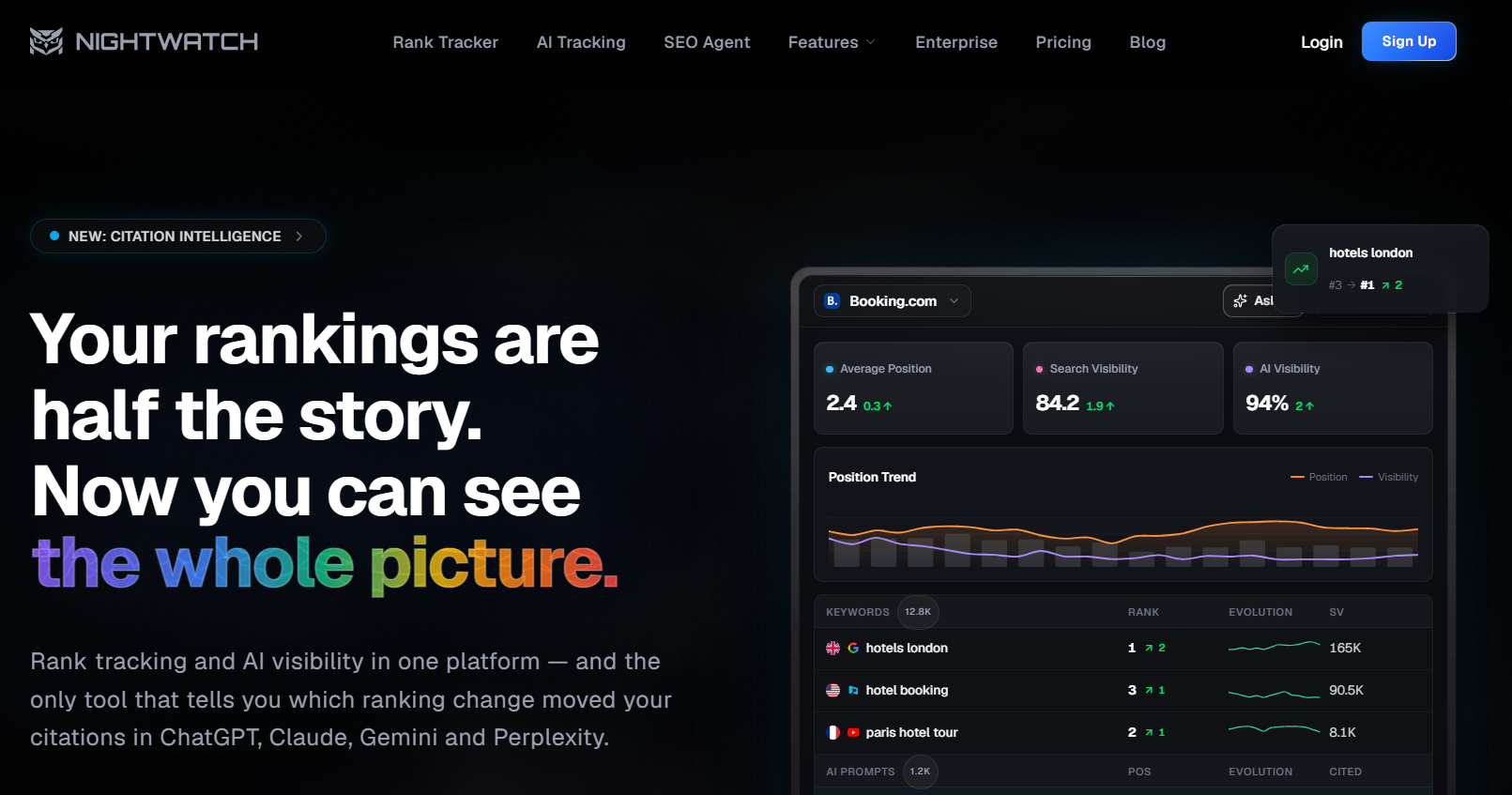
Price: From €79 per month, billed yearly (white label reports start on the Professional plan at €159 per month)
Nightwatch is a rank tracker that checks your keyword positions every day and turns them into reports you can send to clients.
It tracks rankings in more than 107,000 locations down to the ZIP code, so an agency can show a dental practice with three offices how each office ranks in its own neighborhood.
Reports combine rank data with Google Analytics, which puts each keyword next to the traffic its page brings in.
On the Professional plan and above, reports carry your agency’s logo instead of Nightwatch branding and go out to clients automatically. Those plans also include unlimited user seats, so the price stays the same as your team grows.
For AI visibility, you add the prompts your buyers are likely to ask, and Nightwatch records whether AI assistants and Google’s AI features mention your brand in their answers.
Nightwatch shows ranking gains and the traffic those pages brought in, so its reports track progress toward ROI rather than revenue itself.
The tool focuses on tracking, so its backlink data is limited, and the site audit on the Starter plan crawls only 1,000 pages per site. Teams that need deep competitor research usually pair it with a larger SEO platform.
Key Features
- Daily rank tracking: Checks keyword positions on Google and other search engines every day.
- Local tracking: Follows rankings in more than 107,000 locations, down to the ZIP code.
- AI visibility tracking: Records how often AI assistants mention or cite your brand.
- White label reports: Sends automated reports to clients under your agency’s brand.
- Google Analytics integration: Places traffic data next to keyword rankings.
- Data Studio connector: Sends rank data into Google’s free dashboard tool for custom reports.
- SERP history: Keeps full search result archives for three years.
4. Semrush: Best All-in-One SEO Reporting Platform
Price: From $139 per month, or $117.33 per month billed annually (report add-ons cost $10 to $20 per month extra)
Semrush is an all-in-one SEO platform with its own keyword and backlink databases. For reporting, its biggest advantage is that most of the data a report needs already lives in the same account, so you rarely have to pull numbers from outside tools.
Reports come from a separate report builder that pulls data from more than 20 Semrush tools and adds Search Console and Google Analytics numbers to the same page.
Each report can go out as a PDF on a schedule, and the higher add-on tier replaces the Semrush logo with your own and writes a short summary of the results for clients who skip the charts.
Semrush tracks how AI search describes your brand through custom prompts, so a monthly report can show AI answers next to Google rankings.
Traffic figures in Semrush are estimates based on its own data, so they won’t always match what Search Console and Google Analytics show for your site.
Most agencies add both Google sources to their reports for that reason and use Semrush numbers for rankings and competitor data.
Semrush reports link ranking gains to organic traffic, but the revenue side depends on conversion tracking in your analytics account.
Key Features
- Position Tracking: Follows daily rankings for up to 500 keywords on the entry plans.
- Site Audit: Flags technical SEO issues and shows how site health changes over time.
- AI visibility tracking: Monitors custom prompts and how AI search describes your brand.
- Report builder: Combines Semrush data with Search Console and Google Analytics in one report.
- Scheduled PDF reports: Sends reports to clients and teammates on the schedule you pick.
- White label branding: Replaces Semrush branding with your agency’s logo.
- AI summaries: Adds a short written summary of the results to each report.
5. Ahrefs: Best for Backlink and Organic Search Reporting
Price: From $129 per month
Ahrefs runs what it describes as the second most active web crawler after Google, and its backlink index is the main reason SEO teams use it for reports.
When a client wants to know which sites linked to them this month and which links they lost, Ahrefs has some of the most complete data you can show.
The Report Builder is available on every plan and pulls widgets from Site Explorer and Rank Tracker into one report.
You can place data from different projects and competitor portfolios on the same page, then add your own notes in text blocks so the client reads your explanation right next to each chart.
Reports go out as PDFs by email to as many as 50 people, and recipients don’t need an Ahrefs account to open them.
Brand Radar tracks how often AI assistants mention your brand, and the Report Builder includes a ready-made template that turns that data into an AI visibility report.
Rank Tracker updates positions once a week on the standard plans, so reports that need daily ranking changes have to rely on another source.
Ahrefs shows why rankings improved, but most teams pair its reports with GA4 data to connect those gains to demos.
Key Features
- Site Explorer: Shows the backlinks and organic keywords of any website.
- Rank Tracker: Follows weekly keyword positions for your site and your competitors.
- Report Builder: Combines widgets from different Ahrefs tools in one custom report.
- Text blocks: Places your own comments and summaries next to the charts.
- Scheduled PDF reports: Sends reports by email to recipients who don’t have Ahrefs accounts.
- Portfolios: Groups several URLs or competitors so a report can show them as one set.
- Brand Radar: Tracks how often AI assistants mention your brand.
- GSC Insights: Brings your Search Console ranking data into Ahrefs.
6. AgencyAnalytics: Best for Automated Client SEO Reports
Price: From $20 per client per month, billed yearly
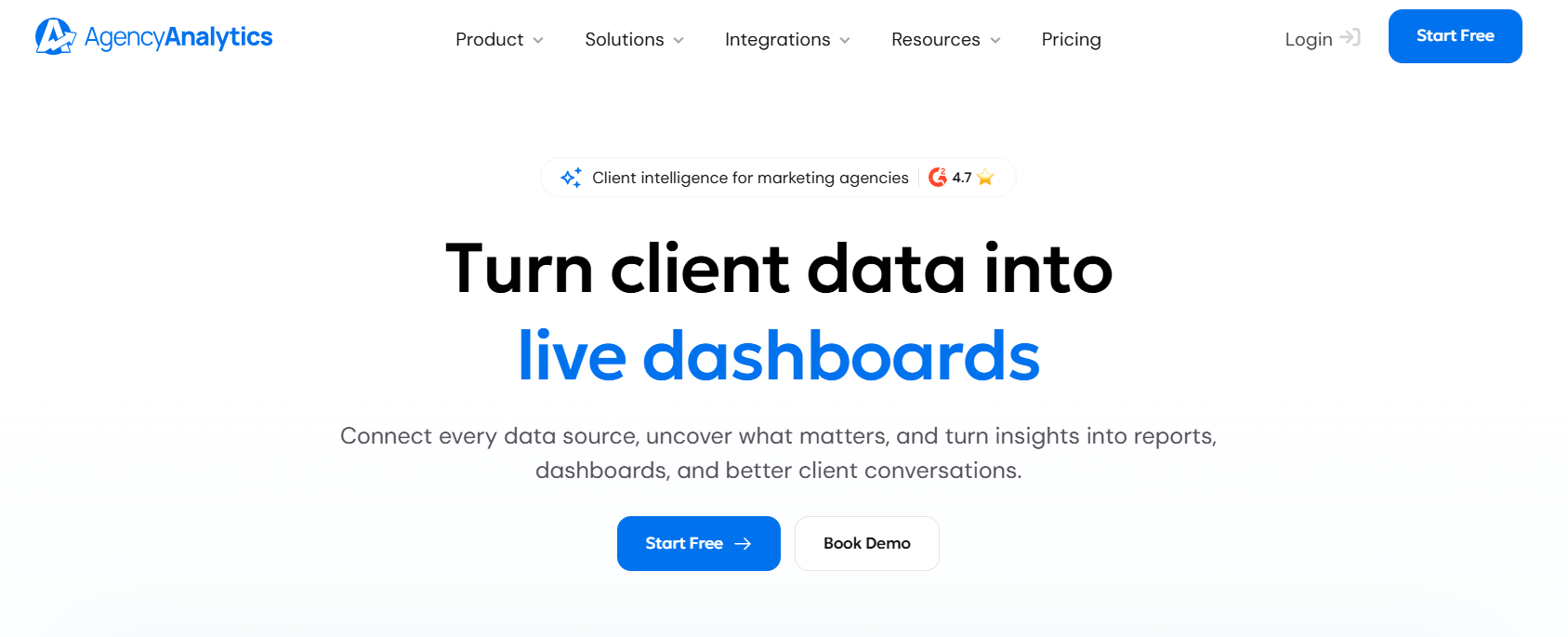
AgencyAnalytics is a reporting platform built for marketing agencies. It connects to more than 85 marketing platforms, including the main Google tools and the SEO software most agencies already use, and places each client’s data in its own dashboard.
Every report can carry your agency’s logo and colors, and the client portal runs on your own domain, so clients never see the AgencyAnalytics name. Reports go out on a schedule, and an approval step gives a manager the chance to check each one before it reaches the client.
All plans include unlimited staff and client logins, which keeps account managers and clients in the same place without extra seats.
The built-in AI writes a summary of each report and flags sudden drops or spikes in client data, so problems surface before the monthly call. Roll-up reports combine several accounts into one view, which works well for franchise and multi-location clients.
AgencyAnalytics connects to HubSpot, so a report can show organic leads next to the deals they turned into.
AgencyAnalytics holds no SEO data of its own. Rank tracking and AI visibility tracking come as separate add-ons, and keyword research or backlink analysis still needs a full SEO platform behind it.
Key Features
- White label reports: Places your agency’s branding on every report and client portal.
- Client portal: Gives each client a branded login to view live dashboards.
- Report scheduling: Sends reports to clients automatically on the dates you choose.
- Report approvals: Lets a manager review each report before it goes out.
- AI summaries: Writes a short overview of the results for each report.
- Anomaly detection: Flags sudden changes in client data.
- Roll-up reports: Combines data from several client accounts into one view.
7. SE Ranking: Best for Affordable SEO Reporting
Price: From $129 per month, or $103.20 per month billed yearly
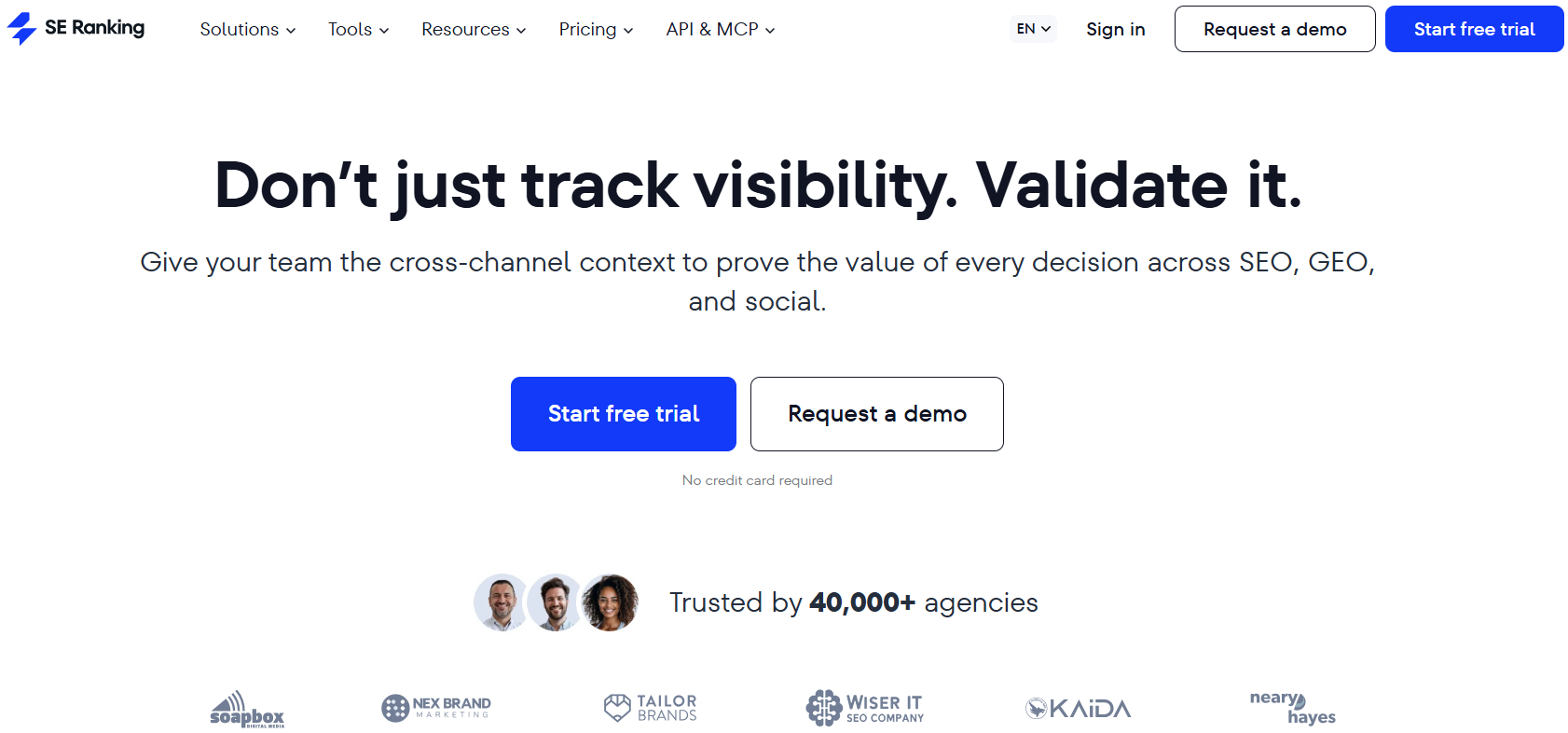
SE Ranking is an all-in-one SEO platform that covers rank tracking, backlink research, and site audits at a lower entry price than most tools with the same depth.
The entry plan already tracks 2,000 keywords every day, which gives agencies room for several clients before they need to upgrade.
Reports come from a drag-and-drop Report Builder that combines SE Ranking data with Google Analytics and Search Console in one document.
Each section can show a different part of the work, so a monthly client report can open with traffic and conversions and move on to rankings and technical fixes.
Local rank tracking is part of every plan, with a separate map tracker for Google Business Profile positions. For AI visibility, SE Ranking tracks a set of daily prompts across several AI platforms and records when your brand appears in the answers.
The white label option and client seats come with the Agency Pack add-on, which also unlocks unlimited scheduled reports with AI summaries. On the entry plan, only one manager seat is included, so teams with several account managers will need extra seats or the Growth plan.
SE Ranking reports can show conversions from Google Analytics next to rankings for the same pages, which links SEO work to real demos.
Key Features
- Rank Tracker: Checks keyword positions every day on major search engines.
- Report Builder: Combines SEO data with Google Analytics and Search Console in custom reports.
- Local and map tracking: Follows rankings in Google Maps and local search results.
- AI prompt tracking: Records when AI platforms mention your brand in their answers.
- Website Audit: Crawls your site and lists technical issues by priority.
- Agency Pack: Adds white-label branding, client seats, and scheduled reports with AI summaries.
- Guest links: Shares view-only project access with clients on the higher plan.
8. Databox: Best for SEO KPI Dashboards
Price: Free plan available, paid plans from $71 per month billed yearly
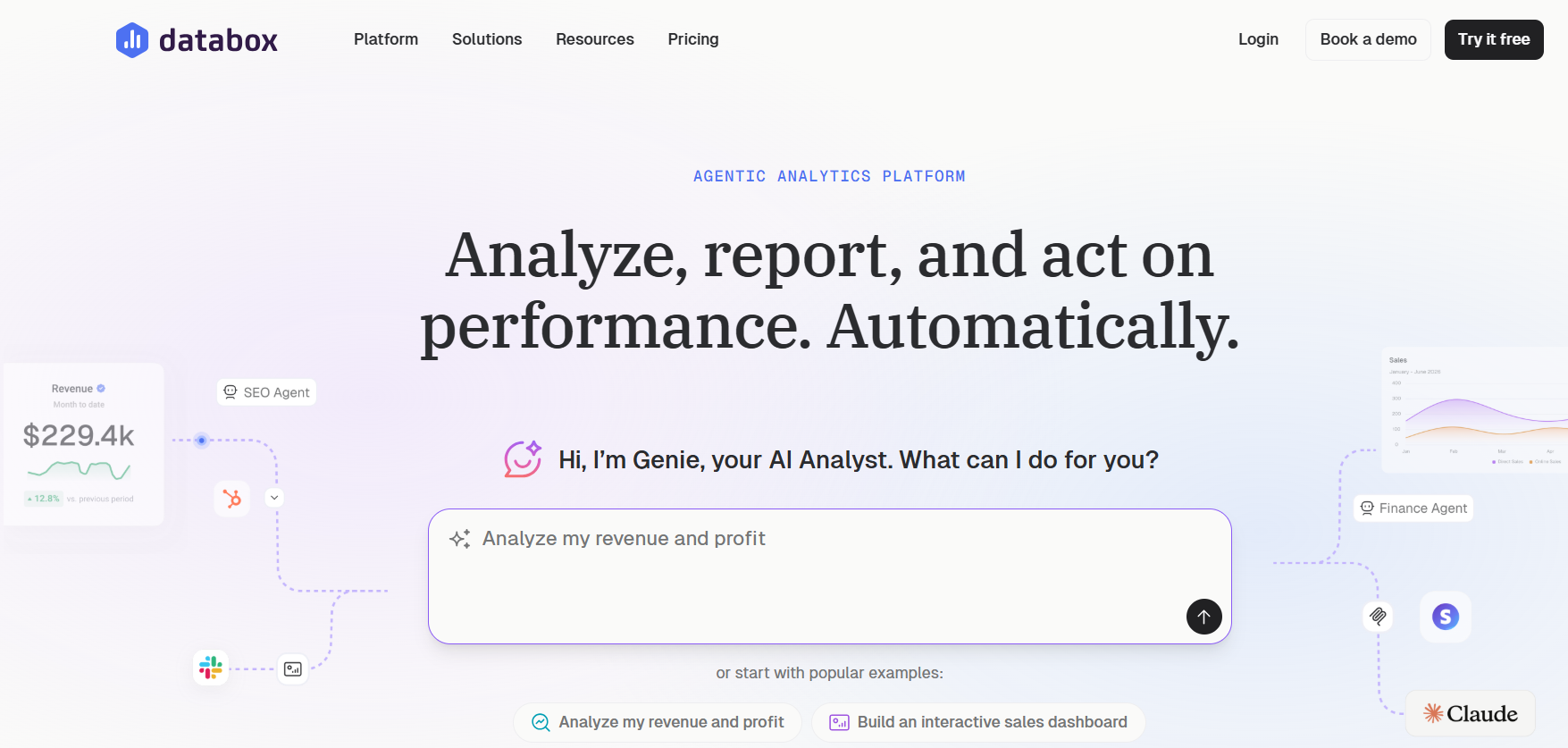
Databox is a dashboard and reporting platform that pulls data from more than 130 tools into one place.
SEO teams use it to put search numbers next to the CRM data that leadership already watches, so organic traffic appears in the same view as pipeline. Adding revenue from your CRM to that view brings Databox close to a full ROI report.
Each KPI can have its own goal, and Databox tracks progress toward it automatically. Anomaly detection flags sudden drops or spikes in a metric, which is often the first sign of a technical problem or a ranking loss. Scheduled snapshots then send dashboard updates to your team or clients each week.
Genie, the built-in AI analyst, answers questions about your data in plain language and writes short performance summaries for any metric you choose.
Databox holds no SEO data of its own, so it needs a rank tracker or SEO platform behind it. The free plan stops at three data sources and one dashboard, and white-label branding comes as a separate add-on.
Key Features
- 130+ integrations: Connects your marketing and sales tools in one account.
- Dashboards and reports: Builds custom views with drag-and-drop charts.
- Goals: Tracks progress toward a target for each KPI.
- Anomaly detection: Flags sudden changes in your metrics.
- Scheduled snapshots: Sends dashboard updates to your team or clients on a regular schedule.
- Genie: Answers questions about your data in plain language.
- Agency accounts: Keeps each client’s data in a separate account, with unlimited users on the agency plan.
9. Moz Pro: Best for SEO Rankings and Site Performance Reports
Price: From $49 per month, or $39 per month billed yearly
Moz Pro is the SEO platform behind Domain Authority, the score many clients already know and expect to see in a report. Because Moz calculates that metric itself, a report can show how your site’s authority grows next to the links you earned in the same period.
Reports are built inside each campaign. You pick the charts and data lists you want, add notes to explain the results, and schedule the PDF to arrive in your inbox or your client’s on a regular basis. Higher plans let you add your own logo to those reports.
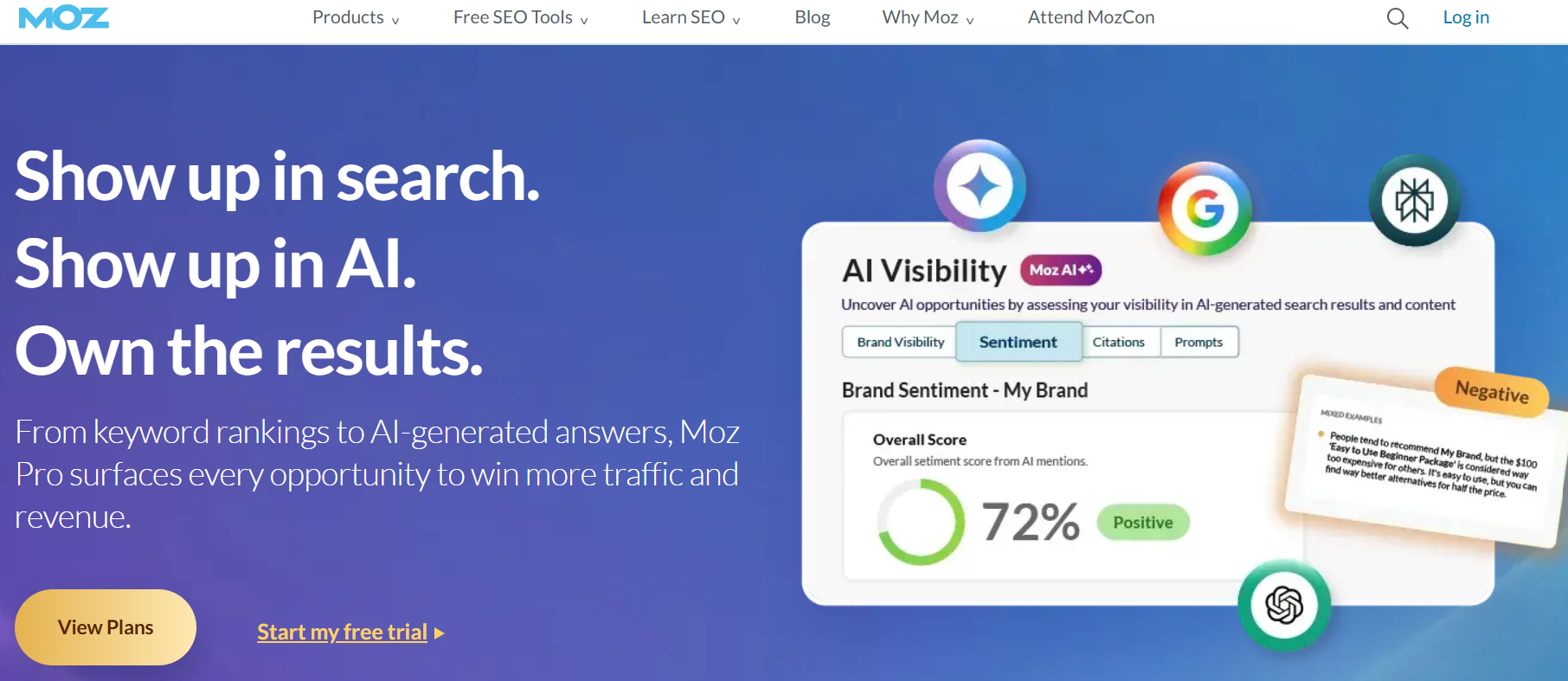
The AI Visibility dashboard tracks whether your brand appears in ChatGPT and Gemini answers, where it shows up within each answer, and how that compares with up to three competitors.
Moz Pro shows that your SEO foundation is getting stronger, but proving revenue still requires GA4 conversion data.
Campaign data updates once a week, so Moz Pro suits monthly client reports better than daily monitoring. The Starter plan also covers just one site, which leaves little room for agencies with several clients.
Key Features
- Domain Authority: Scores the strength of your site and shows how it changes over time.
- Campaigns: Tracks rankings and site health for each website you manage.
- Custom reports: Combines charts and notes from a campaign into one PDF.
- Scheduled delivery: Sends reports by email on a recurring schedule.
- Branded reports: Adds your agency’s logo to PDF reports on higher plans.
- AI Visibility: Shows whether ChatGPT and Gemini mention your brand and how you stand against competitors.
- Link Explorer: Lists the backlinks your site gained or lost.
What to Look For in an SEO Reporting Tool
The right SEO reporting tool depends on how many websites you manage and who reads your reports. Before you choose one, check how it handles the points below.
Accurate Data and Google Analytics Integrations
Third-party platforms estimate traffic with their own databases, so the same site can show different SEO metrics from one tool to the next.
For clicks and conversions, accurate data comes from Google Search Console and Google Analytics, which is why the tool should connect to both and to any other analytics platforms you rely on.
Teams that also run paid search should look for a Google Ads connection, since it places organic and paid campaign performance side by side in one report.
Automated SEO Reports and Custom Dashboards
Automated reporting removes the monthly routine of exporting data and pasting it into slides, because the tool refreshes the numbers and sends the report on a schedule.
Custom dashboards give your team a live view between reports, and the level of dashboard customization decides whether you can show your own metrics or only a fixed template.
Tools with data blending can combine marketing data from different sources in one chart, which turns complex data into visuals that clients understand at a glance.
Keyword Rank Tracking and Competitor Analysis
Rank tracking shows how your target keywords move over time, but update frequency varies, since some tools check positions every day and others once a week.
Platforms with built-in SEO tools add keyword analysis and competitor analysis to the same account, so a report can explain which site took your place when a ranking drops.
Many of them also run technical audits and bring site audit data into the report, so you don’t need to run separate SEO audits in another tool.
Conversion and Revenue Tracking
For a B2B SaaS company, rankings and traffic are early signals, and leadership judges SEO by demos and paid users.
The tool should report organic conversions by landing page, so you can see which content marketing pages bring in buyers.
Some platforms also connect to your CRM and link organic leads to revenue, but only when conversion tracking was set up before the reporting process started.
White-Label Reporting for SEO Agencies
Agencies with multiple clients need white-label reporting that replaces the tool’s logo with their own, and some platforms also run client dashboards on custom domains.
Report templates speed up agency reporting workflows, because one layout can serve every client with only the data changed.
For multi-client management, check whether each client gets a separate portal login and whether the plan includes unlimited client accounts.
Pricing and Scalability
Some tools price their plans by tracked keywords, while others charge for each client account, and that difference changes the real cost as you grow.
Business plans with higher limits suit growing teams, and enterprise clients usually get custom pricing.
Before you sign, check the data export options so you can move your reporting history if you switch tools later.
Get SEO Reporting Tied to Demos With ABHMedia
An SEO reporting tool can tell you that a page lost its ranking or that organic demos dropped last month. Turning that report into work that wins the rankings back is the harder part, and it’s where most in-house teams run short on time.
ABHMedia runs done-for-you SEO for B2B SaaS companies. Its plans include conversion tracking setup, so your reports show demos and paid users from the first month instead of traffic alone.
The team handles the full SEO workflow from keyword strategy to link building, and you follow campaign performance in a live dashboard and a monthly analytics and conversions report.
The same work also covers AI search, with content written to get your brand cited when buyers ask ChatGPT or Perplexity for software recommendations.
FullSession booked more than 315 demos through ABHMedia's SEO work, and Aline added 40 qualified enterprise demos to its pipeline.
You keep ownership of everything created, and there are no long-term contracts.
FAQs About SEO Reporting Tools
What is the best tool for SEO reporting?
Semrush is the best all-round tool for SEO reporting because it combines its own keyword and backlink data with Search Console and Google Analytics in one report.
Teams on a tight budget can start with Google Search Console and Google Analytics 4, which are free and provide first-party data from Google.
What are the top 5 tools for SEO?
Five of the top SEO tools are Google Search Console for search performance data, Google Analytics 4 for conversions, Semrush for all-in-one SEO work, Ahrefs for backlink research, and SE Ranking for affordable rank tracking and site audits.
What are the best SEO reporting tools for agencies?
AgencyAnalytics is the best choice for agencies that send white-label reports to many clients, since it adds a branded client portal on your own domain.
Nightwatch suits agencies with local and multi-location clients, while SE Ranking with its Agency Pack gives smaller agencies white-label reports at a lower price.
Can ChatGPT do an SEO audit?
Partly. ChatGPT can review the content, title tags, and structure of a page you paste into it and suggest fixes, but it can’t crawl your whole site or see your Search Console data unless you connect it to an SEO tool.
Most teams run a full site audit in a dedicated tool first and then use ChatGPT to explain the results or plan the fixes.