SaaS SEO Checklist: How to Rank and Convert in 2026
,
November 16, 2026
SEO can bring new customers to your SaaS business without paying for every click. However, publishing more articles won’t help much if you target the wrong keywords or ignore problems on your website.
You need to understand what buyers search for, create pages that answer their questions, and make sure Google can find those pages. Tracking trials and demos also helps you see which SEO tasks bring results.
In this article, you’ll learn how to use a SaaS SEO checklist to improve search visibility and get more customers.
TL;DR
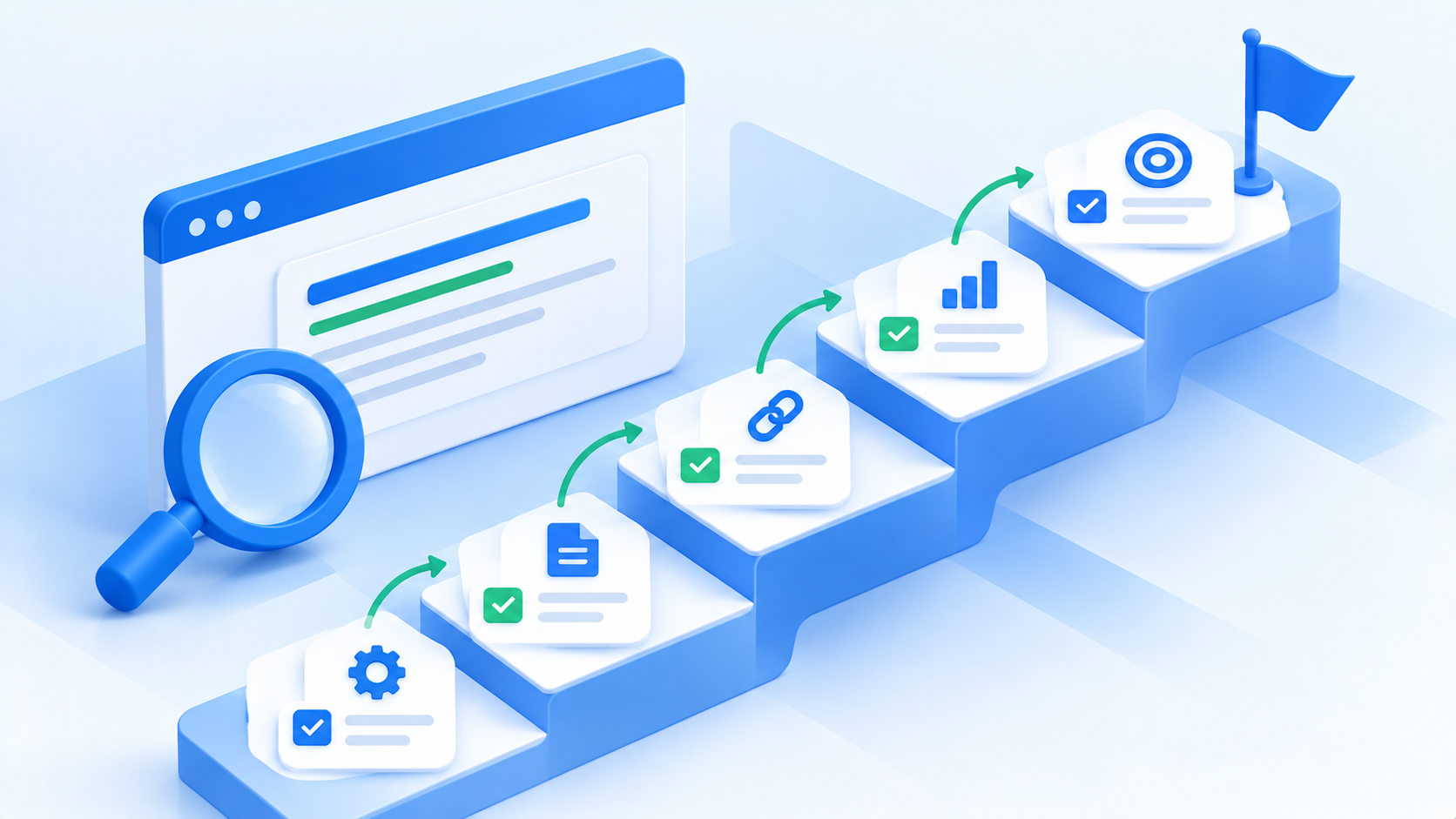
Use this SaaS SEO checklist to identify website issues, target searches from potential buyers, and turn organic traffic into trials, demos, and paying customers.
- Define your SaaS SEO goals and target audience
- Audit your current SaaS website
- Conduct SaaS keyword research based on search intent
- Analyze your SaaS SEO competitors
- Build a SaaS SEO content strategy
- Fix technical SEO issues that affect crawling and indexing
- Improve website speed and mobile usability
- Optimize your SaaS website’s on-page SEO
- Optimize your SaaS product and landing pages
- Create helpful SaaS content that targets buyer intent
- Build a strategic internal linking structure
- Earn relevant backlinks to strengthen your SaaS website’s authority
- Improve your SaaS visibility in AI search
- Optimize your SaaS website for more conversions
- Track SaaS SEO performance and update your strategy
For help completing these steps, ABHMedia offers done-for-you SaaS SEO services, including technical audits, buyer-focused keyword research, content creation, link building, and conversion tracking.
15 Steps to Rank and Convert in 2026
Follow this comprehensive SaaS SEO checklist to find website problems, reach people searching for software like yours, and turn more visitors into trials, demos, and paying customers.
1. Define Your SaaS SEO Goals and Target Audience
Before working on rankings, decide how SEO should help your SaaS business grow. More visitors won’t mean much if none of them become customers.
Measure SEO success through free trial signups, demo requests, and paid subscriptions. Google Analytics 4 can track these actions, and your CRM can help connect leads to revenue.
Knowing who you want to reach is just as important. Build an ideal customer profile (ICP) that covers company size, industry, current software, daily problems, and purchasing roles.
For example, an automation platform might target operations managers who manually copy customer records between a CRM and support system. Those buyers may search for ways to connect the two tools rather than broad articles about automation.
Use these details to set clear goals and identify the searches most likely to bring qualified leads.
2. Audit Your Current SaaS Website
A site audit shows whether technical problems or outdated content prevent people from finding and using your software.
Start with Google Search Console to check which pages Google has indexed. Screaming Frog can help you find broken links, missing titles, and pages without internal links.
For websites built with JavaScript, compare the page source with Google’s rendered version. Important product information should remain accessible to search crawlers.
Review older articles before deleting anything, too. Some pages need updated examples; others cover similar topics and would work better as one guide. You can block irrelevant pages from search results with a noindex directive when they offer no value to potential buyers.
Once you’ve checked the technical issues, test your signup forms and demo buttons on desktop and mobile. Remove unnecessary fields that make it harder for interested visitors to create an account.
3. Conduct SaaS Keyword Research Based on Search Intent
Keyword research starts with understanding how customers describe their problems. Sales calls, support tickets, and product reviews can reveal phrases that your marketing team hasn’t considered.
Use a keyword research tool such as Ahrefs or Semrush to check search volume and keyword difficulty, then group your findings by intent.
- Commercial keywords: Searches like “best CRM software” or “Salesforce alternatives” suggest someone is comparing products.
- Transactional keywords: Phrases such as “CRM pricing plans” suggest buyers want costs or purchase details.
- Informational keywords: Questions like “how to organize customer records” come from people looking for guidance.
Before choosing a page type, review Google’s top results to match search intent. A query dominated by comparison lists may need a different approach from one showing product pages.
Give priority to searches closely tied to your software’s features, even when their monthly volume is lower.
4. Analyze Your SaaS SEO Competitors
Companies selling similar software aren’t your only search competitors. Review websites and software directories may rank above your product for the same buyer-focused searches.
Search Google for your main product category and identify three to five websites that appear regularly. Run their domains through SEO tools like Ahrefs or Semrush to find competitive keywords and pages attracting organic visits.
Pay attention to money pages such as pricing, alternatives, and feature comparisons. Examine how competitors explain their products, show screenshots, and answer questions about costs or limitations.
A keyword gap report can reveal useful topics your website hasn’t covered. Backlink reports may point to industry publications or directories where competing tools appear.
For AI search, try relevant software comparison questions in ChatGPT or Perplexity. Check which products appear and how their features are described, since responses can change between searches.
5. Build a SaaS SEO Content Strategy
With your keyword list and competitor findings ready, plan content around the questions buyers ask before choosing software.
A SaaS SEO strategy should start with pages that support purchase decisions:
- Comparison pages: Explain differences in pricing, features, and product limits.
- Alternative pages: Show when your software fits someone replacing another tool.
- Integration pages: Explain supported connections and include actual setup steps.
- Use-case pages: Show how a specific team uses your product to complete a task.
Supporting blog content can answer earlier questions and lead readers toward these pages. For example, a guide about reducing manual data entry could link to an integration tutorial that shows the exact setup.
Group relevant keywords by topic rather than publishing several articles that answer the same question.
Use product screenshots, customer examples, and clear calls to action to help readers decide whether your software meets their needs.
6. Fix Technical SEO Issues That Affect Crawling and Indexing
Your content won’t rank if search engines can’t access or index important pages. Begin by checking your robots.txt file for rules that block product features, integrations, or blog articles.
Review Google Search Console to find indexing errors that affect search visibility. Keep your XML sitemap limited to live pages that you want Google to index. Remove redirected URLs, error pages, and those marked noindex.
For JavaScript-heavy websites, use Google’s URL Inspection tool to check whether crawlers can read your main content. Server-side rendering may help when important text doesn’t appear reliably.
Next, fix broken links, remove unnecessary redirect chains, and connect orphan pages to relevant sections of your website.
Check whether your security settings accidentally block legitimate AI search crawlers. Different services use different bots, so review their access rules separately.
7. Improve Website Speed and Mobile Usability
Slow-loading pages can frustrate visitors before they see your software. Check your Core Web Vitals report in Google Search Console, which uses data from real Chrome users when available.
Google considers these results good:
- Largest Contentful Paint (LCP): 2.5 seconds or less.
- Interaction to Next Paint (INP): 200 milliseconds or less.
- Cumulative Layout Shift (CLS): 0.1 or less.
Large screenshots often affect site speed, so convert suitable images to WebP or AVIF, reduce file sizes, and load images farther down the page only when needed.
Set up browser caching for files that visitors don’t need to download again on every visit. Review third-party scripts and hosting response times when page speed remains poor.
On mobile, check whether pricing tables fit smaller screens, buttons respond to taps, and signup forms work without horizontal scrolling.
8. Optimize Your SaaS Website’s On-Page SEO
Once your pages load properly, focus on on-page optimization to help buyers understand each page’s purpose.
Start with title tags that describe the software or problem clearly. When you optimize title tags, place the main topic near the beginning if it reads naturally. Aim for roughly 50 to 60 characters when practical, though Google doesn’t enforce a fixed limit.
Aside from that, write meta descriptions that explain what readers will find rather than repeat keywords. Clear summaries can help searchers decide whether your page answers their questions.
Use header tags to organize features, pricing details, and common buyer questions. Place primary keywords naturally in the introduction and relevant headings without repeating them unnecessarily.
Keep URLs short and descriptive, then add internal links that connect related guides to useful product pages.
Finish by matching each call to action with the visitor’s intent. Someone comparing software may want a demo, whereas a beginner might prefer a free template.
9. Optimize Your SaaS Product and Landing Pages
People visiting your product pages need to understand what your software does before deciding whether to try it.
Open with a clear headline that names the task your tool handles and the audience it serves. Follow it with a real screenshot that shows the feature in use.
Rather than listing technical features alone, explain how each one solves a problem. For example, an invoicing platform might show how users import receipts, match payments, and send overdue reminders without entering each record manually.
Use your service pages to explain specific team needs or use cases when your business offers those services.
Near pricing and signup forms, include customer reviews, product limits, and relevant security details. Buyers can then check their concerns before contacting sales.
Add accurate schema markup where appropriate. SoftwareApplication structured data can describe your product category, supported platforms, and available offers, but it doesn’t guarantee special search results.
10. Create Helpful SaaS Content That Targets Buyer Intent
Your content creation plan should reflect how close readers are to choosing software. Start with target keywords that describe actual customer problems and buying questions.
Create comparison guides for people evaluating products, tutorials for those exploring solutions, and educational articles for readers learning about a problem.
High-quality content should show readers how to complete a task. For instance, a project management guide could explain how to create a task board, assign owners, and set deadlines using real product screenshots.
Interview product specialists or customers to add practical examples. Original research and verified results can support claims that general advice cannot.
Use content marketing to share helpful templates or calculators that connect naturally to your software’s features.
Choose calls to action based on the reader’s needs. A comparison page can offer a demo, whereas a beginner’s guide might link to a free template or detailed tutorial.
11. Build a Strategic Internal Linking Structure
Internal links help visitors find related information and show Google how your website’s pages connect. You can add links from your homepage to important feature, pricing, and integration pages, since these connections can pass link equity to pages that receive fewer backlinks.
Organize related web pages into topic groups, with a main guide that links to supporting articles. Let’s say a customer churn guide could connect to tutorials about retention rates, cancellation surveys, and churn tracking software.
Use descriptive anchor text that explains the destination, such as “customer churn calculator” rather than “click here.”
As your content library grows, check for orphan pages using Screaming Frog and connect them to relevant guides or category pages. Prioritize links that help readers move from learning about a problem to finding a suitable product feature.
12. Earn Relevant Backlinks to Strengthen Your SaaS Website’s Authority
Earning backlinks from trusted publications can help Google find your content and understand its place in your industry. Focus your link building on resources that give other websites a useful reason to reference your software.
For example, a subscription platform could publish customer churn statistics based on anonymous product data or offer a free revenue calculator.
Integration partners and relevant websites may feature your product in directories, joint tutorials, or customer case studies. You can approach relevant sites that publish software comparisons and offer access to your tool for an independent review.
Another off-page SEO approach involves sharing original research or expert comments with journalists who cover your industry.
Although platforms like Ahrefs use domain authority-style metrics to compare websites, Google doesn’t use those third-party scores directly. Judge your backlinks by their relevance, editorial value, and ability to bring interested visitors.
13. Improve Your SaaS Visibility in AI Search
Buyers may ask ChatGPT, Perplexity, or Google search to compare software before visiting a product website. Clear product information gives these systems useful details to reference when they generate answers.
Start by checking crawler access and making sure your main features, integrations, and pricing information appear as readable text. Different AI services use separate crawlers, so review their published access rules.
Organize common buyer questions under descriptive headings, followed by direct answers that explain your software’s features and limits. Tables can help readers compare pricing plans or supported integrations without searching through several paragraphs.
Keep your product details consistent on your website and trusted review platforms.
Check how AI tools describe your software using relevant buyer questions. Since responses can change, review several examples before deciding whether your content needs clearer information or updated examples.
14. Optimize Your SaaS Website for More Conversions
Once visitors reach your website, clear product information should help them decide whether to sign up or request a demo.
Avoid generic headlines that could describe most SaaS companies. For instance, an invoicing platform could say, “Match Customer Payments to Invoices Automatically,” then show a screenshot of the matching process.
During conversion rate optimization reviews, test your registration forms and remove questions that users don’t need to answer before trying the software. Enterprise demo forms may still need company details to help sales teams prepare.
Place customer reviews, real product results, and relevant security details near pricing or signup sections where buyers often have questions.
Test your SaaS site on smartphones to check whether buttons respond properly, forms accept input easily, and pricing tables remain readable without sideways scrolling.
15. Track SaaS SEO Performance and Update Your Strategy
After publishing your content, connect SEO results to the actions visitors take on your website instead of relying on traffic reports alone.
Use Google Search Console to review clicks, impressions, indexing errors, and changes in search rankings. Google Analytics can measure trial signups and demo requests, while CRM data helps connect organic traffic to paid subscriptions.
A keyword with high search volume may bring fewer customers than a specific comparison query, so review conversions before choosing your next topics.
Use an SEO platform to track keyword rankings for important buyer searches. Check AI recommendations separately to see whether your brand appears in relevant answers and how those tools describe it.
Every quarter, run an SEO audit to identify outdated content, overlapping articles, and pages losing search visibility. Use those findings to update your SEO efforts based on actual leads and revenue from organic search.
How Should You Prioritize Your SaaS SEO Checklist?
There are four phases you can follow so you know how to prioritize your checklist:
Phase 1: Fix Technical Issues (Days 1–15)
Before creating more content, check whether Google can find your important pages and whether your tracking tools record signups correctly.
Start with Google Search Console to identify indexing problems, then review robots.txt rules, XML sitemaps, and JavaScript rendering. Check crawler access separately for AI search tools.
Connect website analytics to your trial and demo forms so you can measure results from future changes.
Phase 2: Improve Buyer-Focused Pages (Days 16–45)
Once your website works properly, focus on pages that help potential customers choose software.
Create comparison, alternative, pricing, and integration pages based on searches relevant to your product. Review existing landing pages for unclear headlines, missing screenshots, and unnecessary signup fields.
Add internal links from your homepage and related articles so visitors can reach these pages without searching through several menus.
Phase 3: Create Supporting Content (Days 46–75)
After publishing your main buying pages, use educational content to answer questions that customers ask earlier in their research.
Build topic groups around your software’s main features, with a detailed guide that connects to narrower tutorials and use cases.
For example, a customer support platform could link a ticket management guide to articles about response times, ticket routing, and support automation.
Connect those articles to relevant product pages, giving interested readers a clear path toward trying your software.
Phase 4: Build Links and Review Results (Day 76 Onward)
With useful pages in place, contact integration partners about directory listings, joint tutorials, or customer case studies that can earn relevant backlinks.
Original research and free calculators may attract links from publications that need reliable sources.
Review your content every quarter to identify outdated information, overlapping articles, and pages that no longer serve your audience. Update useful resources before removing them, and use conversion data to decide where to invest next.
How to Prioritize Individual SEO Tasks With the ICE Framework
Even a complete SaaS SEO checklist can contain more work than your team can finish at once. Use the ICE framework to rank individual actions within your SEO checklist for SaaS based on three factors:
- Impact: How much could the task increase trials, demos, or paid customers?
- Confidence: How strong is the evidence that the change will help?
- Ease: How quickly can your team complete the work with available resources?
Score each factor from 1 to 10, then multiply the three numbers.
For example, fixing an indexing error on your pricing page might score 9 for impact, 9 for confidence, and 8 for ease, giving it 648 points.
Improve Your SaaS SEO With ABHMedia
Completing the ultimate SaaS SEO checklist takes time, especially when your team needs to manage technical fixes, content production, and backlinks alongside product development.
ABHMedia provides done-for-you search engine optimization for B2B SaaS companies that want more qualified leads, free trials, demos, and paid users.
Our team starts with a strategy session to understand your software, ideal customers, and business goals. From there, we develop a custom keyword strategy that prioritizes searches with commercial intent rather than traffic volume alone.
We handle the work needed to put your strategy into action, including:
- Technical SEO audits and recommended fixes
- Buyer-focused content creation and optimization
- Relevant backlink campaigns
- Product and landing page optimization
- Programmatic SEO implementation
- Conversion tracking and monthly performance reports
We’ve worked with SaaS brands such as Activepieces, TextUs, Briefpoint, and Odin AI. Our approach connects SEO work to customer acquisition, with reporting that helps you see how organic visitors turn into leads and customers.
You retain ownership of the content and other assets we create, and our services don’t require long-term contracts.
FAQs About SaaS SEO Checklist
How often should you review your SaaS SEO checklist?
Review your SaaS SEO checklist monthly to track rankings, organic traffic, and conversions. Run a comprehensive audit every three to six months to identify technical issues, outdated content, and new keyword opportunities.
How long does SaaS SEO take to show results?
SaaS SEO typically takes three to six months to show meaningful progress, although competitive keywords may take longer. Your website’s authority, technical condition, competition, and content strategy influence how quickly rankings and conversions improve.
What should a new SaaS website prioritize for SEO?
A new SaaS website should prioritize technical SEO, buyer-intent keyword research, and optimized product pages. Start with keywords that match your software’s features and customer problems before expanding into broader informational content.
Should SaaS companies handle SEO in-house or hire an agency?
SaaS companies can manage SEO in-house when they have specialists for technical audits, content creation, and link building. Hiring a specialized SEO agency like ABHMedia makes sense for teams that need a fully managed SEO service without expanding their internal marketing staff.